
The most common problem for the first setting is not a functional failure, but a certain step less: only add friends but do not view the instructions, there is no test after setting the language, or the bot is put into the group and directly tested with important information. A relatively stable approach is to first complete the test with a short sentence that does not involve name, amount and industrial safety.
Prepare three things before starting
- Confirm that the WanyuTong official LINE account is added, and the LINE ID is
@969wpxno。 - Determine which languages the group mainly needs, such as Traditional Chinese, Indonesian, Vietnamese or Filipino.
- Prepare two test texts: one daily notice, one simple reply. Formal work safety, medical or payment contents are left to use after the test is passed.
Complete the first setting in five steps
Join WanyuTong LINE official account
Use the mobile phone to open the join page, and press "Phone to join LINE directly"; the desktop user can scan the QR code on the page.
Enable common functions first
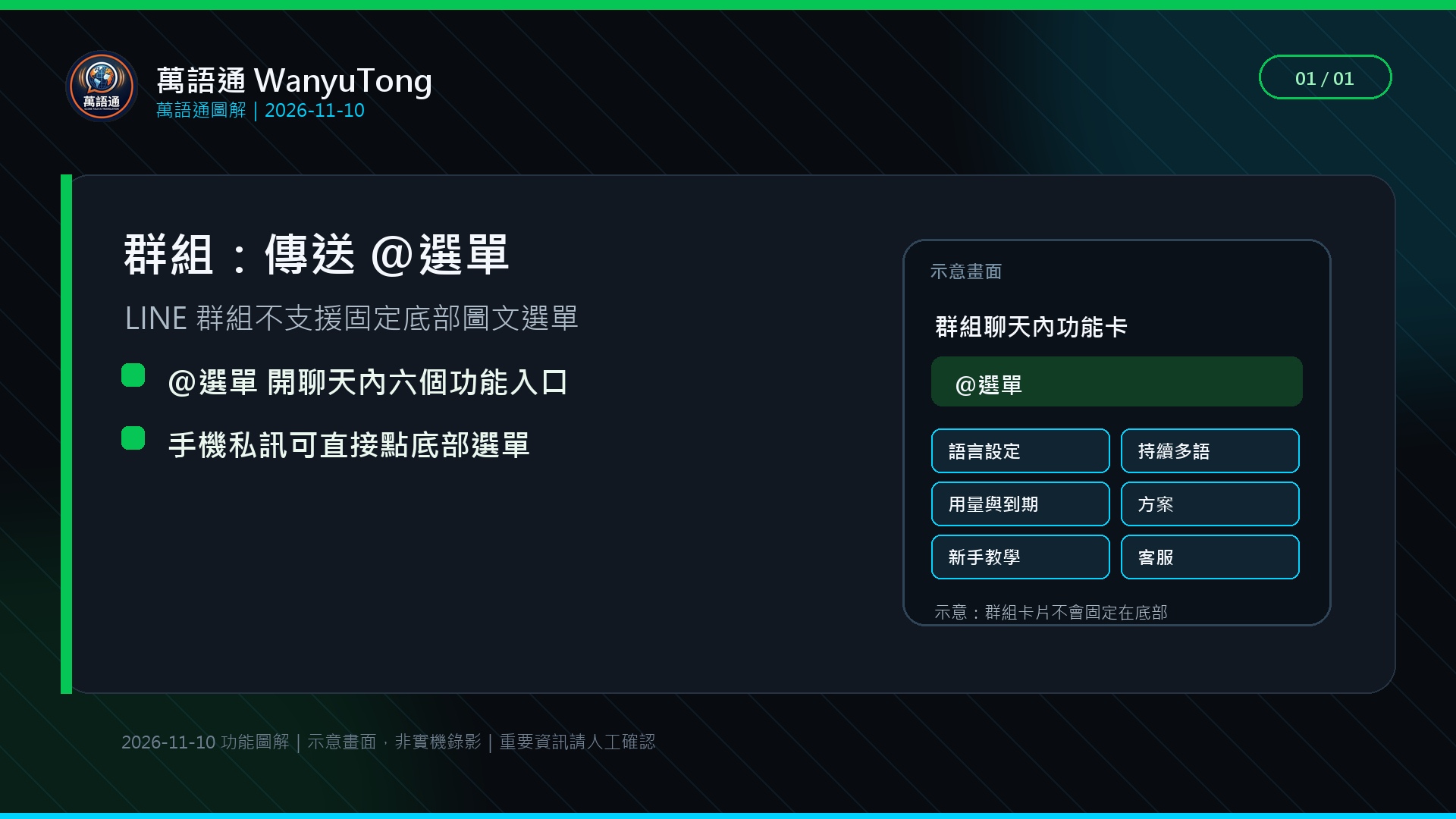
The private message of the mobile phone can be directly clicked on the bottom menu; the LINE platform does not support group fixed bottom graphic menu, please send pure text @選單 in the group, and open the same group of commonly used function cards. Click "Novice Teaching" or Biography
@新手教學Look at the first setting,@說明See the full command. Both entrances will first display the copied traditional content that can be copied, and then provide English, Japanese, and Korean buttons to view them one by one; these fixed teaching contents are not deducted from the daily translation quota. When you need to see the full language list, send@支援語言。View or set translation languages
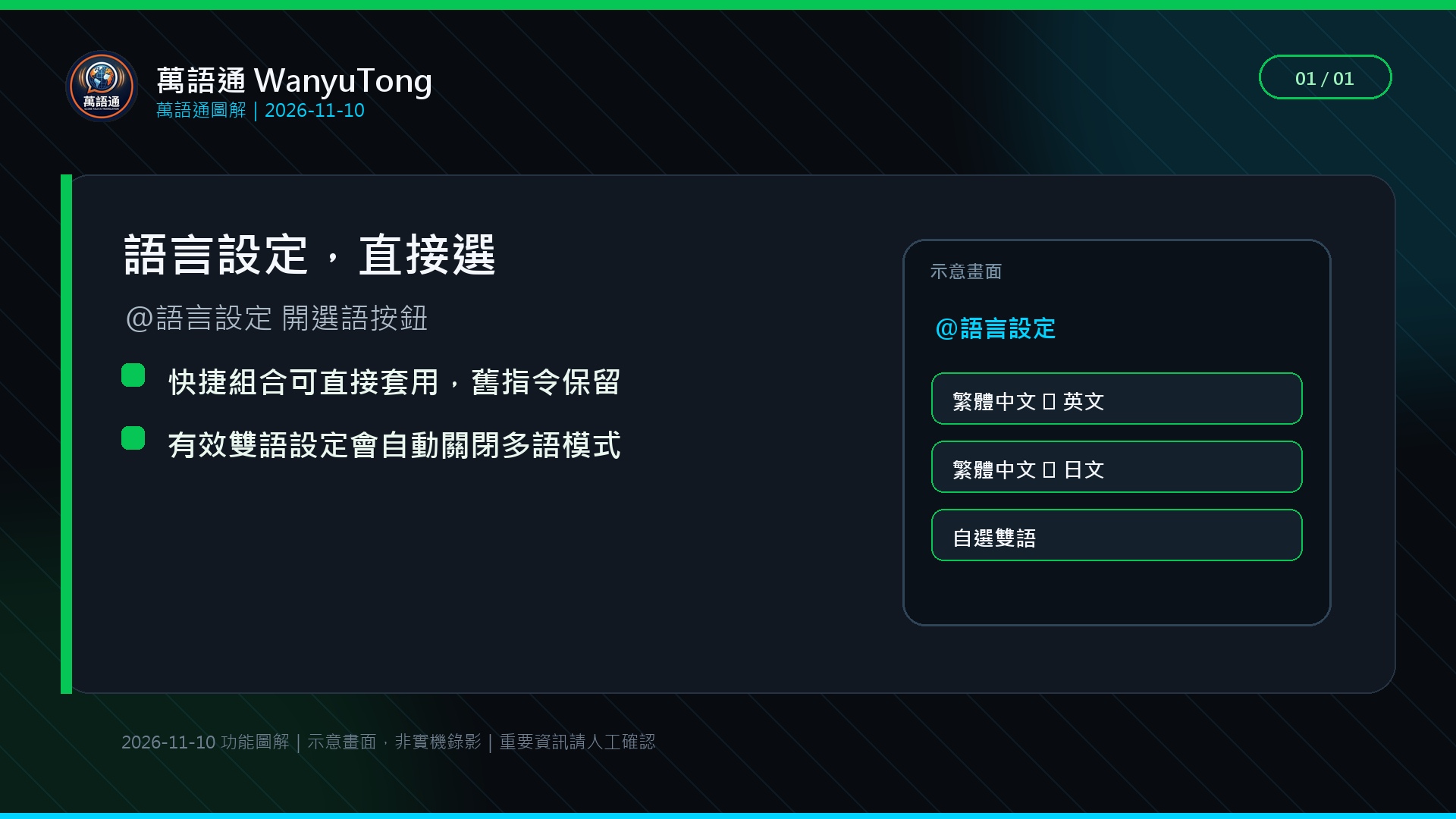
Select "Language Settings" or pass @語言設定, and click bilingual directly; select "continuous multilingual" or @多語, you can combine or choose the most 8 , the first item is the main language. The original full instruction with the language name is still available. After successful verification, it will switch to New Bilingual and automatically turn off continuous multilingual; the original mode will remain the same when the input is invalid. Expenses
@語言Check the current settings.Test your personal conversation first
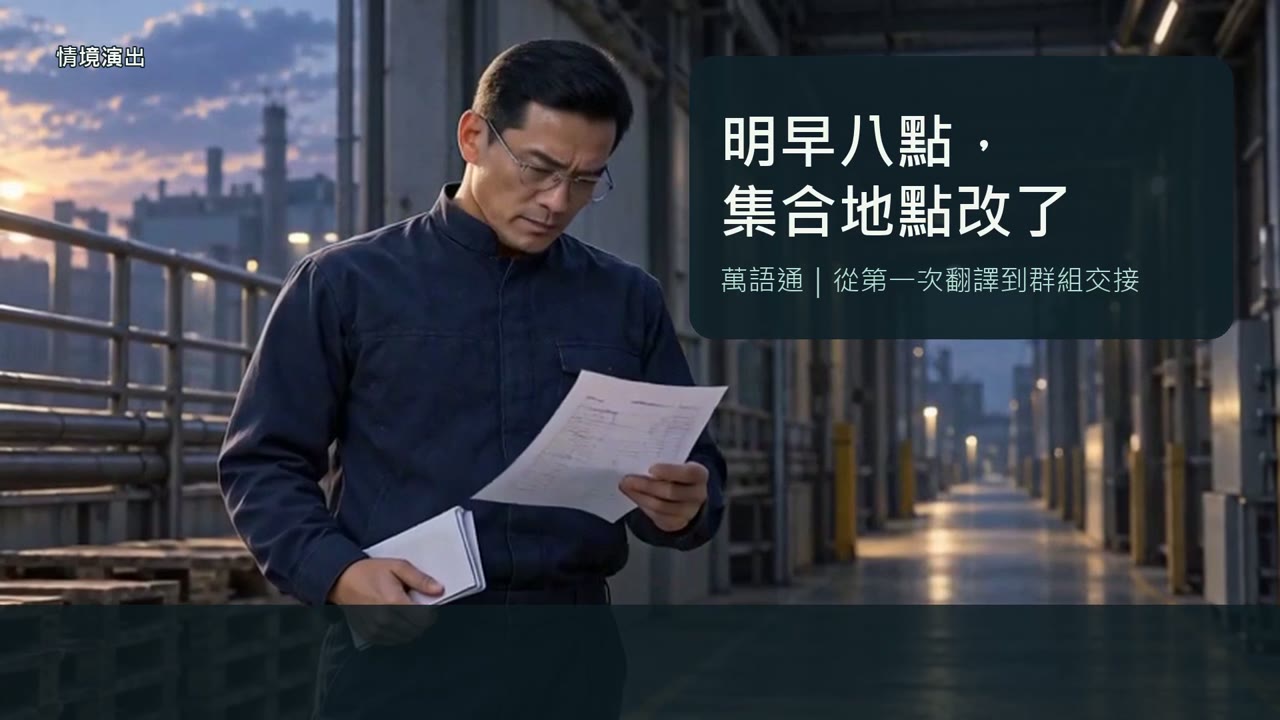
Enter a short sentence such as "Going at 8:00 tomorrow morning" to confirm that the BOT has a normal reply. Enter a reply in the target language to confirm that you can turn back to Traditional Chinese.
Add bot to workgroup
After completing the personal test, join the group and pass the plain text
@選單Open function card. The group selection card is only for the opener's operation, and it is valid for 15 minutes; the old card is invalid after opening a new card in the same group. Cards, setting results and expanded translations will be visible in the whole group. Instruction typing directly, without tagging WanyuTong from the member list. Measure the general text first, and do not use the official work safety or payment content for the first test.
What to test for the first round of tests?
| Test items | It is recommended to enter | result to confirm |
|---|---|---|
| Chinese to the target language | Gather at 8:00 tomorrow morning | The language is correct and the time has not been changed |
| Target language to Chinese | Ask employees to reply "received" in their own language | The supervisor can understand the reply content |
| Name and code name | A line, B machine, employee nickname | Do proper nouns need manual supplements? |
| Group Process | Please reply one person after the test notification | The order of the messages in the group is clear and there is no return |
Don't just test one sentence "hello". What is really error-prone at work site is the time, quantity, machine name, location and negative sentences. The first setting is to measure these elements once, and then it is easier to establish a fixed announcement format.
Checklist after setting
- Know use
@語言Check the current settings. - Complete two-way text translation at least once.
- The supervisors in the group and an employee have actually tested it.
- Knowing important content still needs manual confirmation.
- When you need OCR , voice, abstract or report, viewedThe difference between the free version and the paid version。
2026 - 11 - 10 Supplement: The current common menu and selection card rules have been updated; no official customer group test has been added.
How to check this teaching
2026 - 10 - 10 The previous document verification: check join page, existing bot program and 2026 - 09 - 20 Instructions, bilingual switching, fixed instructions and multilingual display rules in the deployment handover; this time no new LINE test message.
- Image credit: WanyuTong team remake 2026 - 11 - 10 The process information map, the chat and character code in the picture are both indications, not customer or real machine records.
- Historical basis: 2026 - 09 - 20 deployment handover record
@說明In the official LINE environment, the main content and English/Japanese/Korean buttons are successfully displayed; the record is not regarded as today's full-featured test. - Test sentences and checklists in this article: for readers to accept in their own personal and group environment, it is not a translation accuracy rate, payment success or proof of industrial safety/medical results.
Known Limits:Instructions, scenarios, and third-party platform behaviors may be updated; group BOT messages are displayed to group members. Platform rules are available LINE Developers Group Description。
FAQ
Why is there no automatic translation after joining a friend?
Send first @說明 And @語言, confirm the current mode and language settings, and then enter the general text test. If there is still no reply, please keep the screen and ask through the official customer service form.
Can I use the work safety or payment information test from the beginning?
Not recommended. Confirm the process with daily sentences without risks; content involving safety, medical treatment, law or amount must be manually reconfirmed.
Do the instructions have to be entered in this article completely?
This article organizes common processes, but bots will continue to update. If the format of the command reply is different from this article, please use the current @說明 To prevail.
Extended reading
First use the free version to complete the first round of tests
The original text and all designated targets belong to both the Chinese, English, Japan and South Korea, regardless of the daily quota (Traditional Chinese, Simplified Chinese both belong to the Chinese family, but the setting and display are still separate); when the original text or any designated target exceeds the four languages, each original message 1 then 50 then. Individuals are calculated by users, and the groups are shared by the whole group. The pure URL, symbol, emoji and other non-language content such as group general chat are not automatically translated, and this amount is not deducted; the normal text containing the website can still be translated. The pictures/voices are also processed according to the clearly enabled paid function, which does not mean that all pictures or voice operations are free. If you need voice and pictures, OCR, abstract, report and record functions, then upgrade according to your needs.
Join WanyuTong LINE