
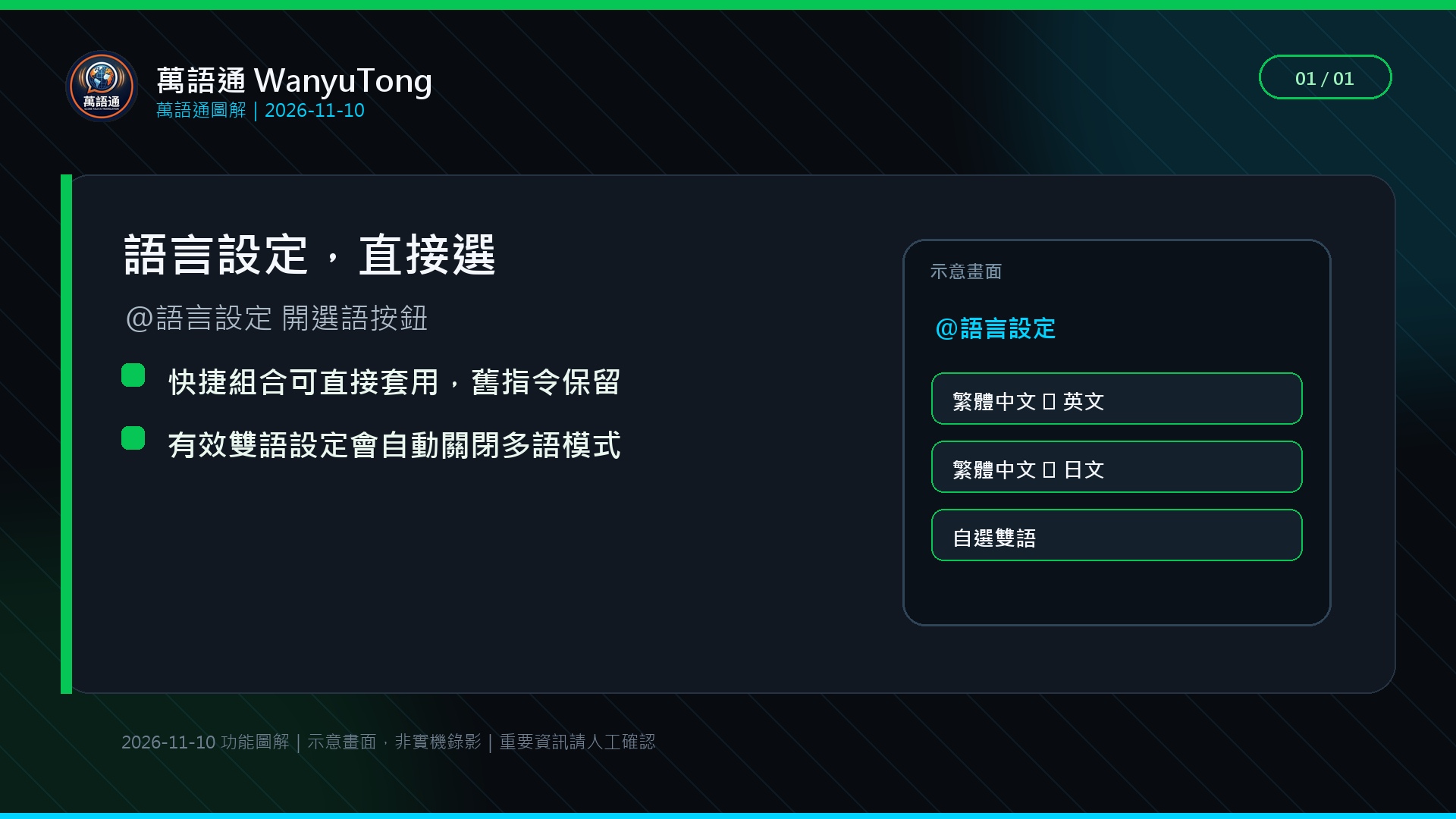
Use the select card to set first, no need to memorize the complete command
The private message of the mobile phone can be directly clicked on the bottom menu; the LINE platform does not support group fixed bottom graphic menu, please send pure text @選單 in the group, and open the same group of commonly used function cards. Select "Language Settings" or pass @語言設定, and click bilingual directly; select "continuous multilingual" or @多語, you can use a quick combination or choose the most 8 , the first item is the main language. The original full instruction with the language name is still available. The group selection card is only available for the opener, and it is valid for 15 minutes; the old card is invalid after opening a new card with the same group. Cards, setting results and expanded translations will be visible in the whole group. Directly type directly, without tagging WanyuTong from the member list.
The more language settings, the better. For groups with only two languages, it is easiest to use bidirectional translation; if there are more than three nationalities at the same time, use the multilingual mode. List the languages that you can really use first, so that unnecessary translations of every message in the group can be avoided.
First distinguish between two-way translation and multilingual mode
Two-way translation
Suitable for traditional Chinese and a foreign language, such as traditional Chinese and Indonesian. The supervisor inputs Chinese, and the bot is translated into Indonesian; the employee enters the Indonesian language, and the bot translates the traditional Chinese. Messages remain in the same LINE conversation.
multilingual mode
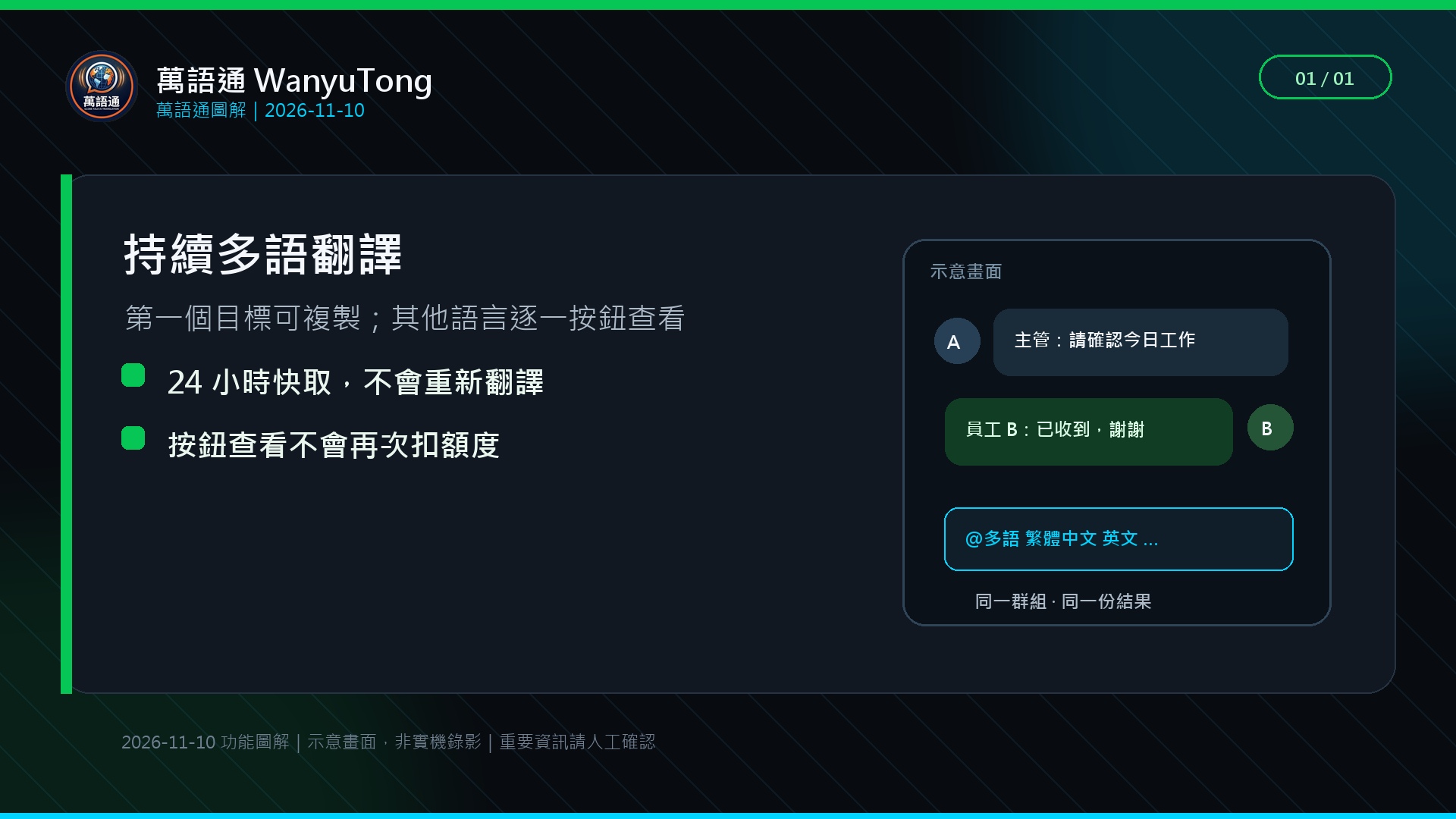
Suitable for the group to have traditional Chinese, English, Filipino and other languages at the same time. After the supervisor enters a sentence, the first designated target will become the reproducible main language first; other languages are viewed one by one by buttons.
Common language instructions
| Aim | instruction example | Caption |
|---|---|---|
| View current settings | @語言 | Confirm the current source and target language. |
| View all languages | @支援語言 | Get the BOT current support list. |
| Set two-way translation | @語言設定 繁體中文 印尼文 | After the verification is successful, create a new bilingual, and automatically turn off continuous multilingual; when the format or language verification fails, the original mode remains unchanged. |
| Set continuous multilingual | @多語 繁體中文 英文 菲律賓語 | The current dialogue is continuously applied; subsequent general messages will be translated into the selected language. |
| close continuous multilingual | @多語 關閉 | Clear the multilingual settings and return to the original two-way translation mode. |
| View full description | @說明 | Confirm the instruction format with the latest bot reply. |
instruction to @ At the beginning, LINE may display the suggestions of tagged members at the same time. Please enter the complete instruction before sending it out, do not choose the list from the member tag.
How to avoid too many messages in multilingual groups?
- Only set the actual class or commonly used language, do not open all languages at once.
- Write a short sentence first in the announcement, and only one thing is explained in a message.
- The time, place, and quantity should be placed in a fixed position to avoid being ignored in long paragraphs.
- to go back to the original bilingual
@多語 關閉; To be directly changed to another set of bilinguals, it can be passed on effectively@語言設定 language A language B, automatically closes continuous multilingual after success. - Please reply in a fixed format, such as "received + name" or "unclear + question".
The multilingual mode will not start all translations at first: display the main language that can be copied first, which other language is needed and which button is pressed. The same language of the same original message in the group is disclosed at most once; each member should still use a personal conversation, personalized web page or independent APP when each member only sees the personal language.
WanyuTong supported 36 common languages
The languages currently listed on the website are as follows; the actual available status and scheme are still based on BOT's @支援語言 Reply shall prevail.
Traditional Chinese, Simplified Chinese, English, Japanese, Korean, Indonesian, Thai, Vietnamese, Filipino, Malay, French Mandarin, German, Spanish, Russian, Portuguese, Italian, Arabic, Hebrew, Dutch, Polish, Turkish, Swedish, Czech, Romanian, Hungarian, Ukrainian, Bulgarian, Danish, Finnish Lanvin, Greek, Norwegian, Estonian, Latvian, Lithuanian, Slovak, Slovenian.
After the setting is completed, you must check three things
- Sent
@語言, confirm that the language listed on the screen is the same as expected. - Test with short sentences containing time and quantity, such as "Tomorrow, please bring two pairs of gloves".
- Ask an employee to reply in his own language to confirm that the supervisor can understand the traditional Chinese that is turned back.
How to check this teaching
- file update
- 2026 - 10 - 10: Check the existing bot language list, mode switching, source and target quota judgment programs and 2026 - 09 - 20 deployment handover; no new LINE real machine test is added this time.
- Historical Deployment
- 2026 - 09 - 20 The main language + word-by-word button has been deployed; official
@說明There was end-to-end validation at that time. History is not a guarantee of the success of today's full-featured. - Image source
- 2026 - 09 - 14 / 2026 - 11 - The information map updated by 10 has a "schematic screen"; it is not a customer chat, a real machine screenshot or a video capture.
- Interface and Restrictions
- Traditional Chinese and Simplified Chinese are set separately; 36 languages are
@支援語言To prevail. The translations pressed by the group can be seen by all members, and the same original text and the same language can be disclosed at most once; 24 No retranslation or supplementary deduction after hours.
This article does not use fictional customer results or accuracy rates that cannot be reproduced. See the full rulesContent Editing and Testing Principles。
Extended reading
Complete the test in two languages first
First run a set of two-way translation smoothly, and then add language according to the actual group members. The free version does not count the daily quota when the original text and all designated targets belong to both Chinese, English, Japan and South Korea; when the original text or any designated target exceeds the four languages, each original message is calculated. 1 then, daily 50 then. For example, the original Indonesian text is only translated into English and Japanese, and it is still considered 1 Then; the same sentence is translated into three non-four languages, and it is only counted 1 then. The pure URLs, symbols or emojis of the general chat of the group do not automatically translate and deduct this amount; "Good morning" and "Hello" will still be processed.
Join WanyuTong LINE